Offboarding Users from the Email Security Module
In the Hoplon platform, navigate to the Email Security module.
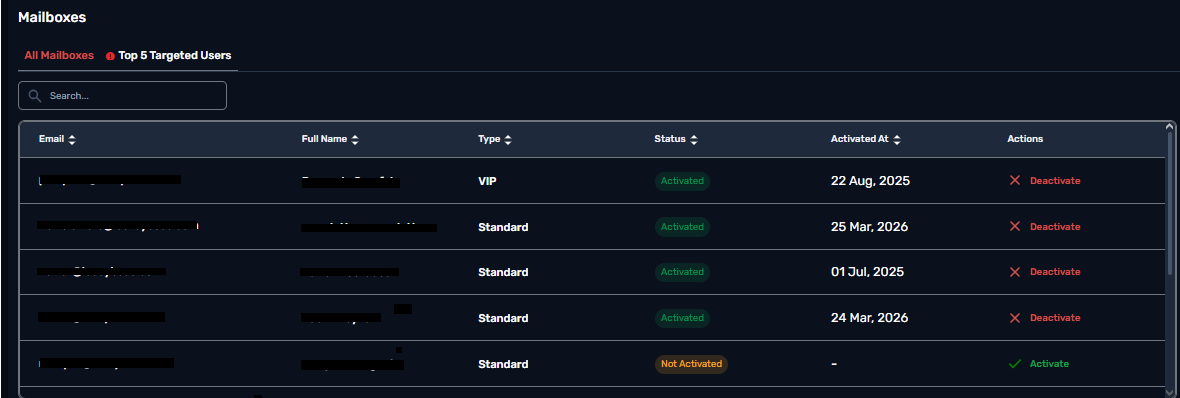
Locate the All Mailboxes table.
Under the Actions column, click Deactivate for the user you want to offboard.