Offboarding Users from the Human Risk Module
In the Hoplon platform, navigate to the Human Risk module.
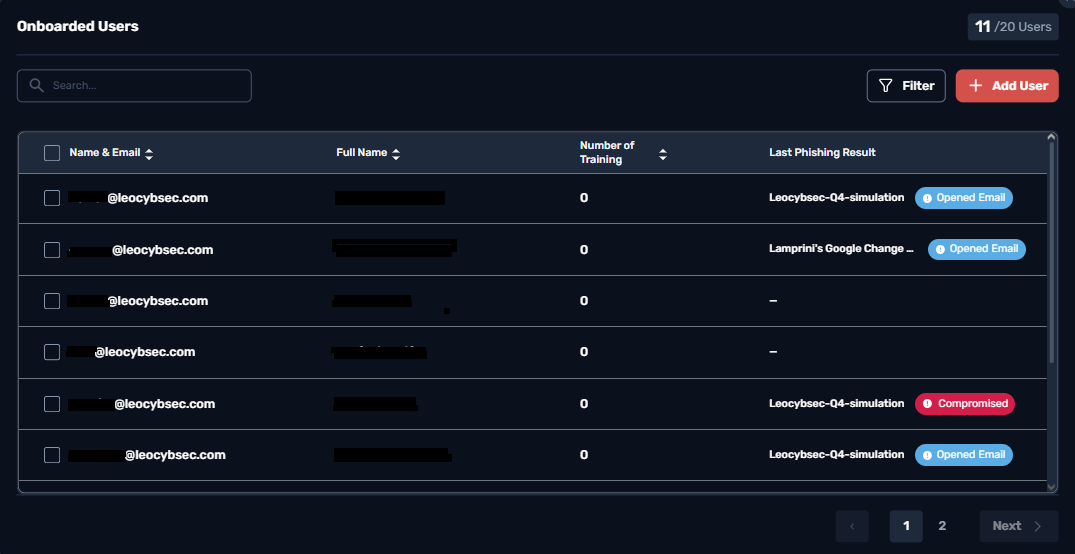
Open the Onboarded Users view.
Select the user(s) you want to remove.
Click Delete Selected Users and confirm the action.