The Cloud DLP (Data Loss Prevention) Module is a comprehensive framework designed to secure and manage data across cloud environments.
Cloud DLP Insights provide comprehensive visibility and analysis of file security for a specific period of time within cloud storage environments. These insights track key metrics such as the number of policy violations, users violating policies, volume of data protected, and total files scanned across different platforms.
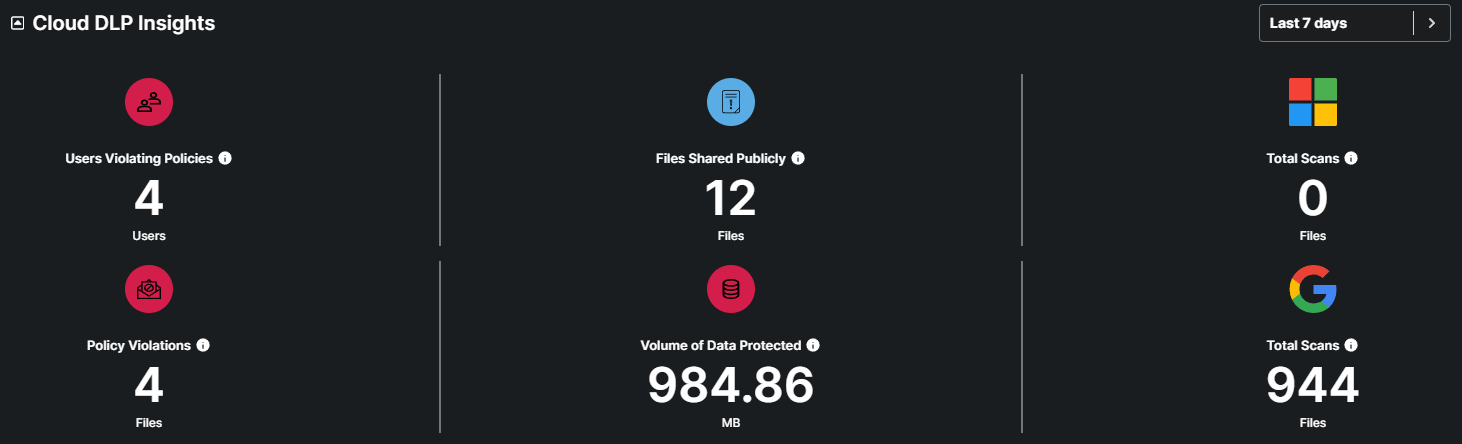
This metric indicates the number of users who have violated security policies within the specified timeframe.
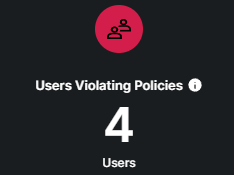
This metric tracks the volume of files that have been shared publicly within the cloud environment.
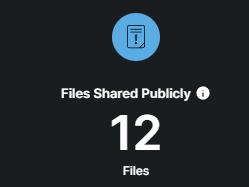
This metric indicates the number of files that have been scanned on Microsoft accounts.
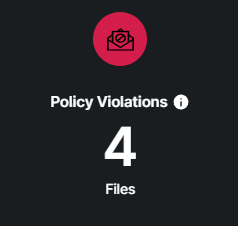
This metric indicates the number of files that have violated security policies within the specified timeframe.
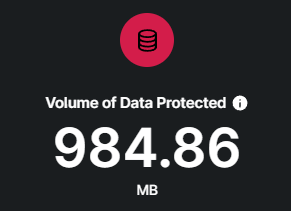
This metric indicates the volume of data (In MB) that are protected from security threats.
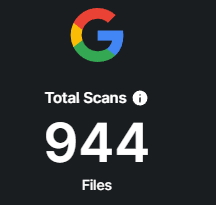
This metric indicates the number of files that have been scanned on Google accounts.
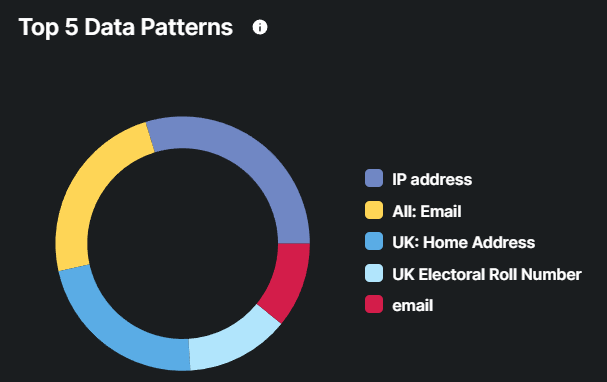
This chart aims to provide insights into the most frequently detected types of sensitive or significant data within the cloud environment.
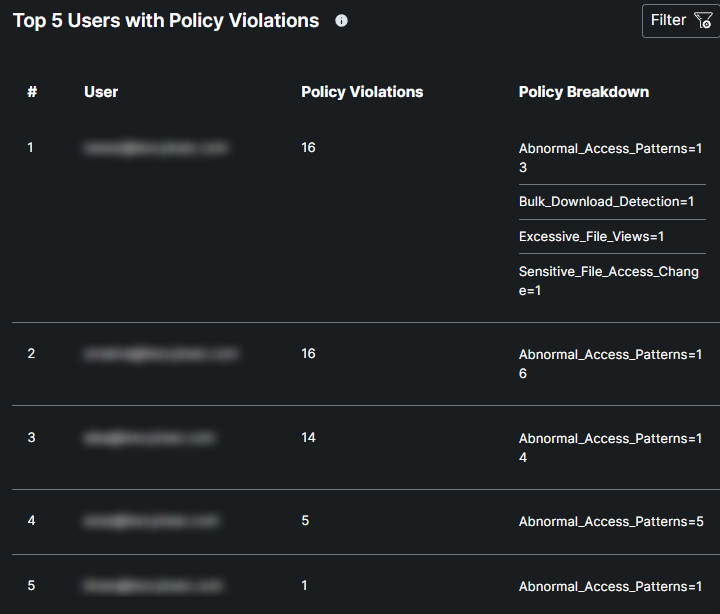
This table lists the top 5 users with the highest number of policy violations within the cloud file security system.
This section is utilized to protect sensitive information stored in the cloud from unauthorized access, breaches, and leaks. It provides insights into key metrics such as the number of Files Shared To Personal Emails, Sensitive File Shared Externally, Confidential Files Downloaded, and Total Connected Apps.
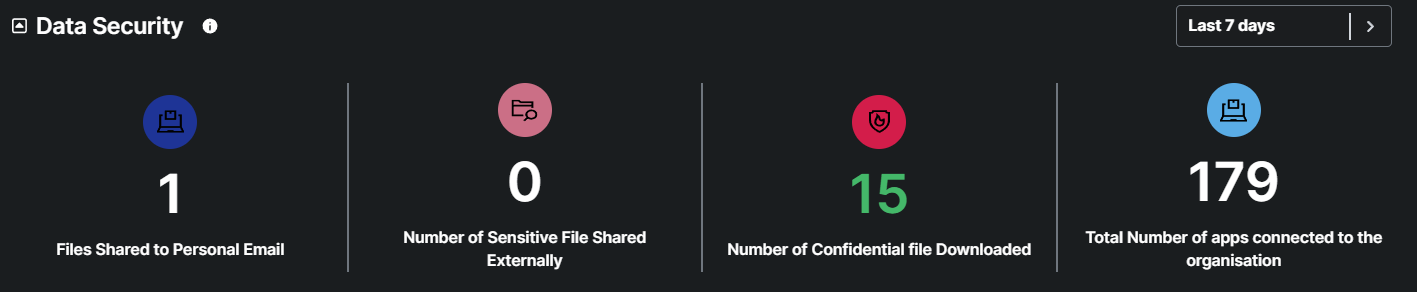
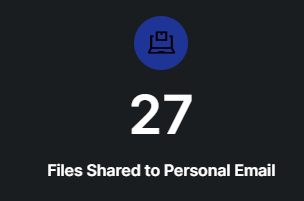
This metric not only tracks the number of files shared to personal email addresses but also provides a clickable interface to drill down into detailed information about each file and the associated personal email recipient. This enhancement allows for deeper investigation and actionable in.
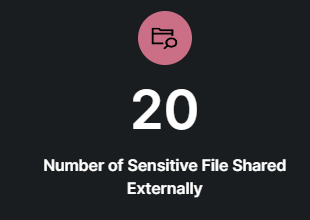
This metric provides the number of sensitive files shared externally. It is clickable and offers a detailed list of sensitive files, allowing users to drill down into comprehensive information about each file.
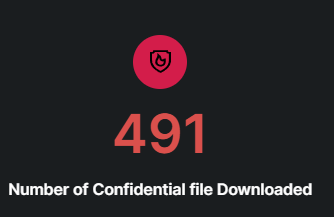
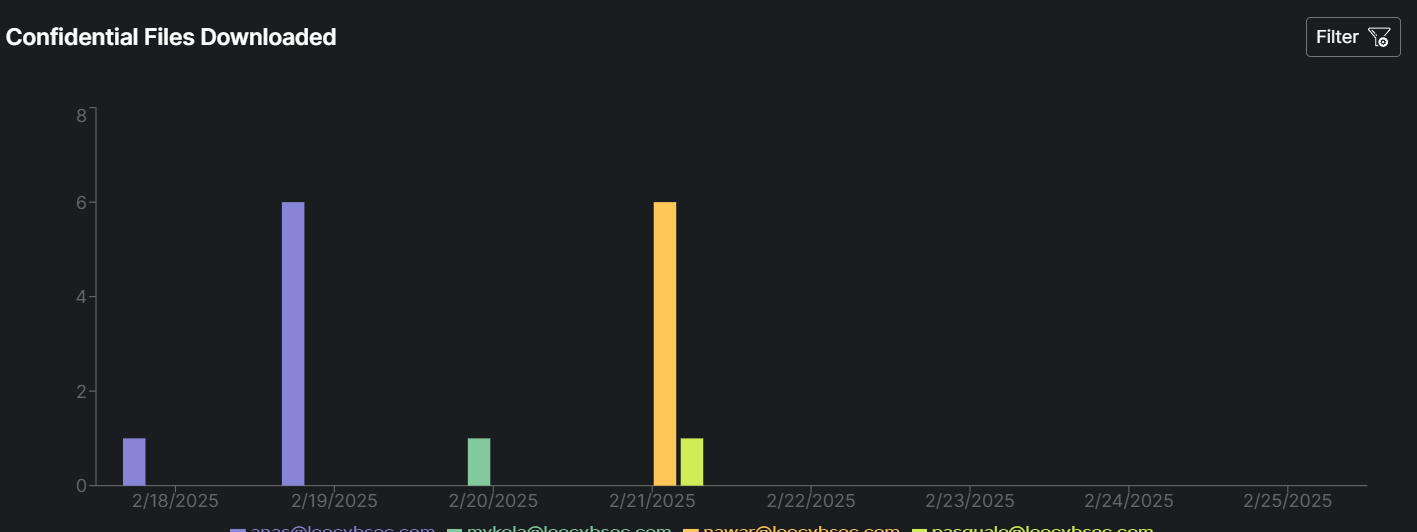
This metric tracks the total number of confidential files that have been downloaded from your organization's systems. It helps identify potential risks of data exposure, unauthorized access, or insider threats. The metric is clickable, allowing users to drill down into detailed information about each downloaded file, including who downloaded it, when, and from where.
This metric tracks the total number of applications (both internal and third-party) that are connected to your organization's systems, cloud services, or data repositories. It provides visibility into the organization's app ecosystem, helping identify potential security risks, compliance issues, or shadow IT.
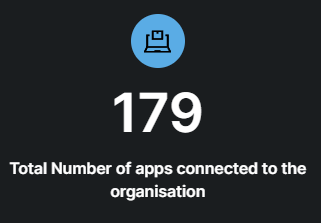
This metric not only tracks the total number of apps connected to your organization but also provides a clickable interface to drill down into detailed information about each app.
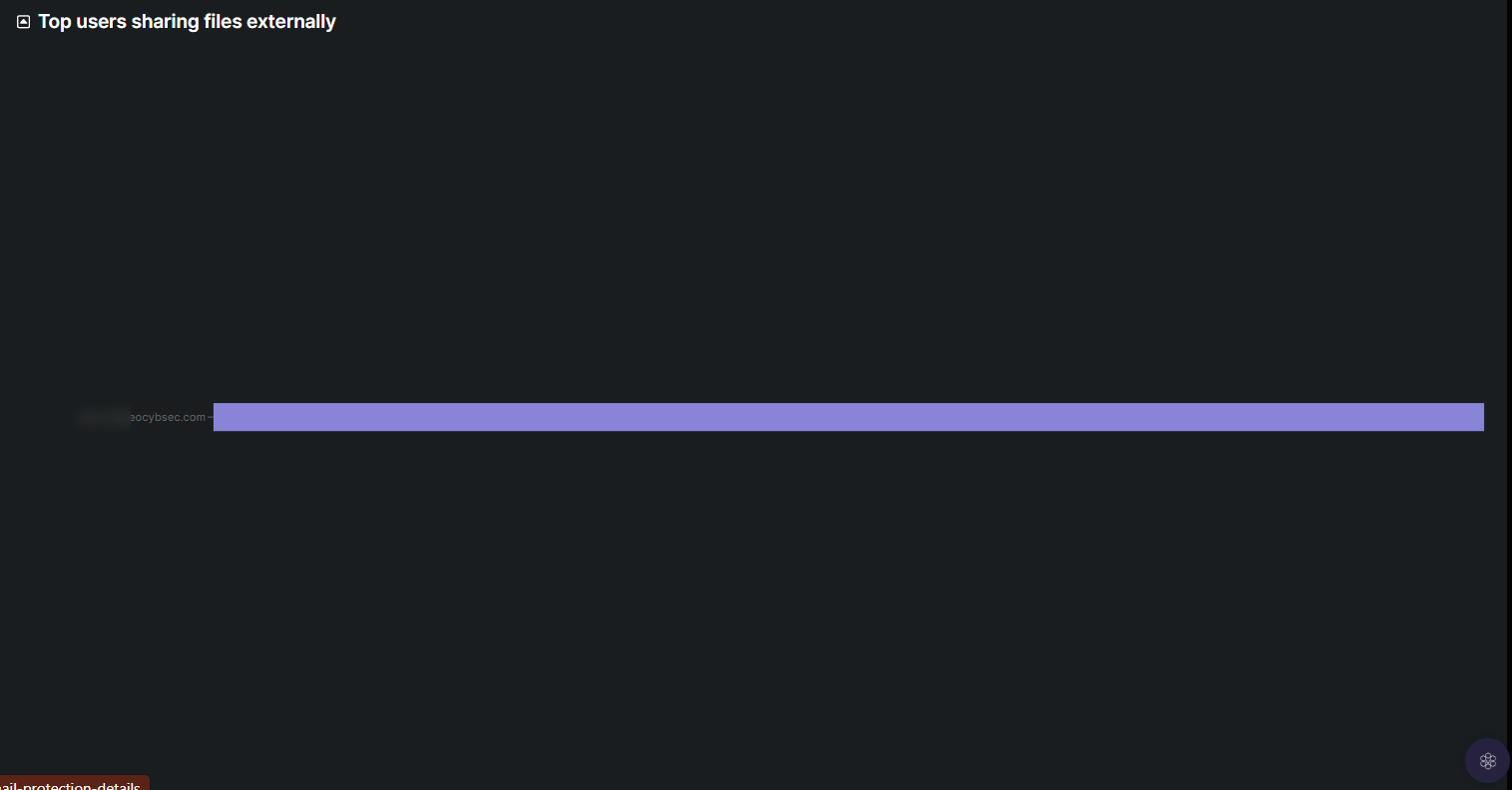
This metric identifies the top 5 users within your organization who are sharing files externally. It is presented as a graph or easy visualization, allowing administrators to quickly spot trends, potential risks, or policy violations.
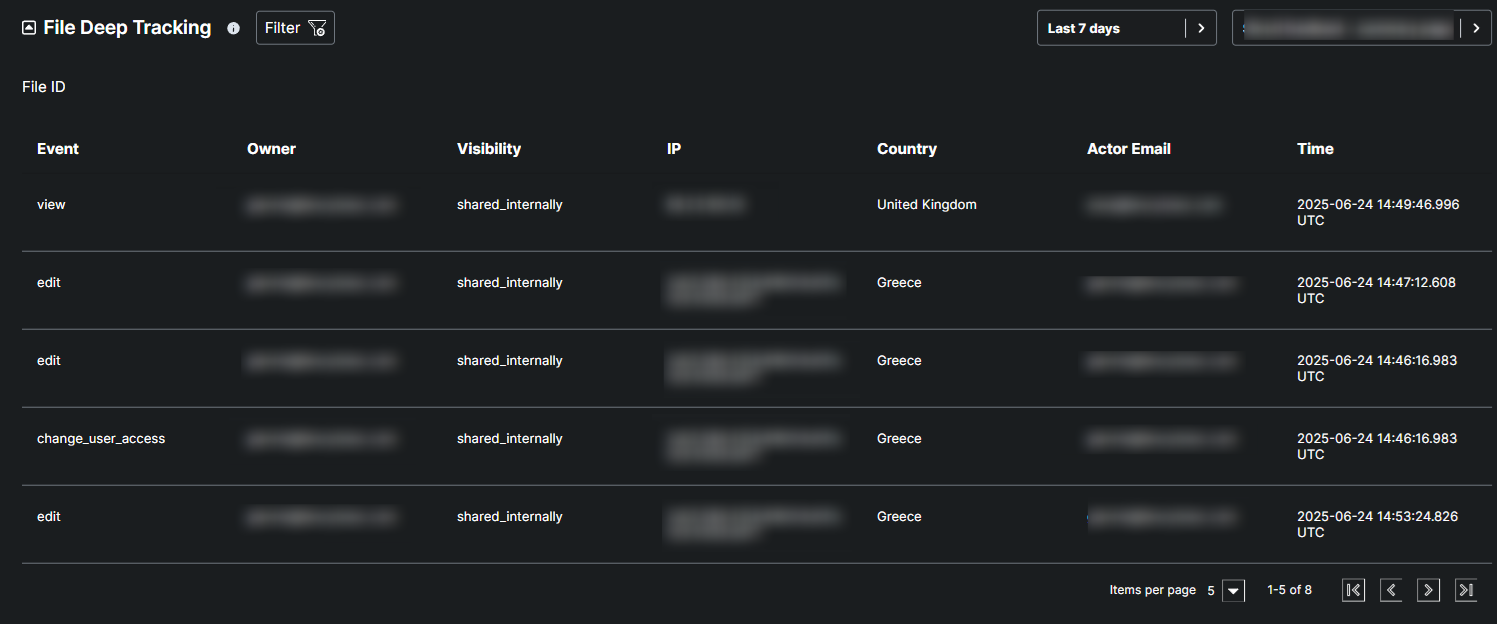
This table helps monitor the security status and activities related to specific files within the cloud environment, indicating when specific actions were initiated along with their respective timestamps.
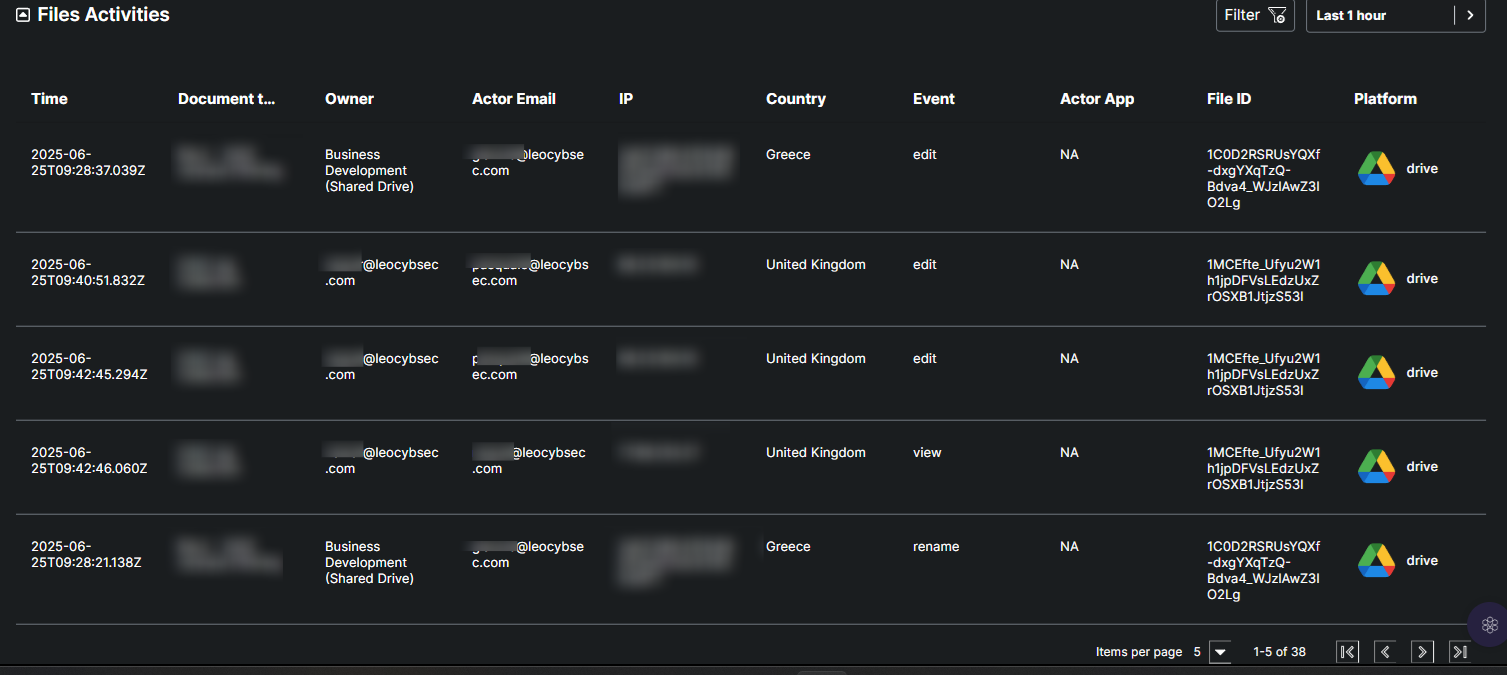
"File activities" refers to the total volume of data associated with all files that are opened, sent, or downloaded by users within the corporate environment.
Due to the large volume of data involved, the view is filtered by default to a one-hour range, but it can be adjusted to display different time periods as needed.
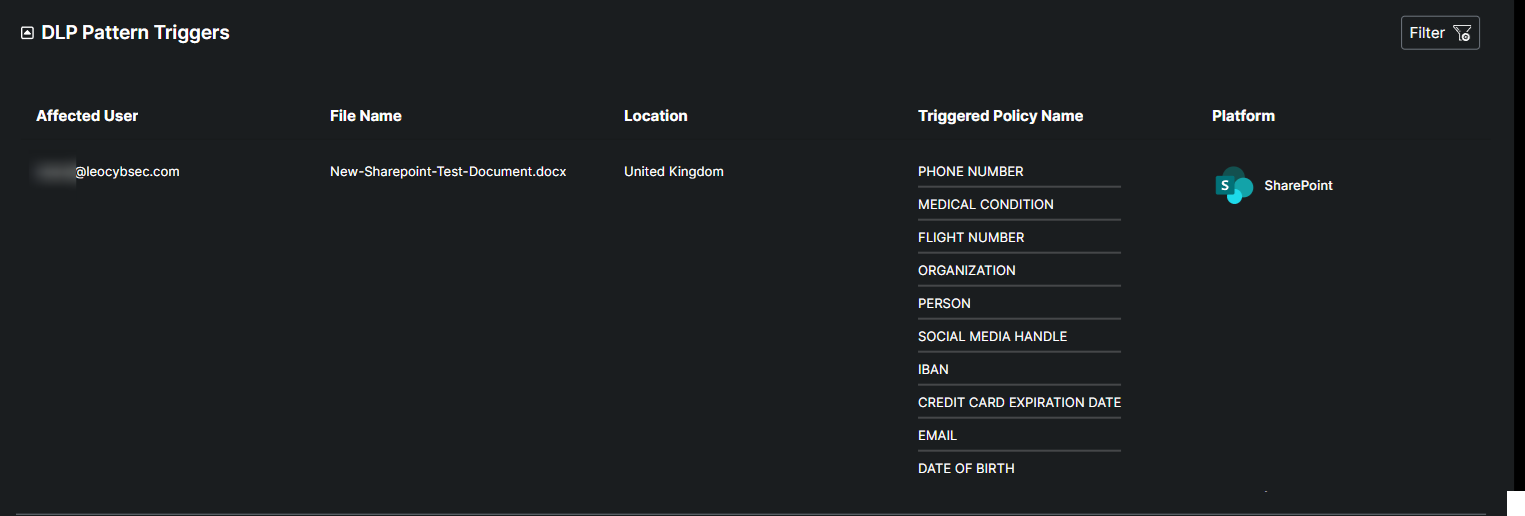
This table identifies and addresses files within the organization that have triggered Data Loss Prevention (DLP) patterns, indicating potential security risks. It provides detailed information about each file, including the owner, file name, current status, identified security patterns, and a unique file ID.
⚠ Current Limitations
🎯 Accuracy (≈ 80%)
The AI model currently detects personal information with an average accuracy of 80% across supported languages.
This means it can sometimes produce:
False positives — flagging safe content as sensitive.
False negatives — missing some real sensitive data.
📁 File Size Limit (15MB)
The scanner can only process files up to 15MB.
Larger files won’t be scanned thoroughly, which may limit detection on big documents or images.
🚀 Future Improvements
🤖 MLOps Integration
The team plans to adopt MLOps (Machine Learning Operations) to retrain the AI model using real feedback continuously.
When the model mislabels data, it learns from those mistakes and becomes more accurate over time.
🏷 Expanding Label Training
The AI will soon be trained on additional label types, helping it recognize more categories of sensitive data — beyond the current list.
⚡ Model Optimization
A lighter, faster, state-of-the-art AI model will replace the current one.
This will improve processing speed and maintain (or even boost) detection accuracy.
🔄 Pipeline Enhancement
The data processing pipeline will be optimized to:
Speed up classification and scanning,
Deliver faster alerts and responses,
Improve the overall efficiency of the DLP scanner.
